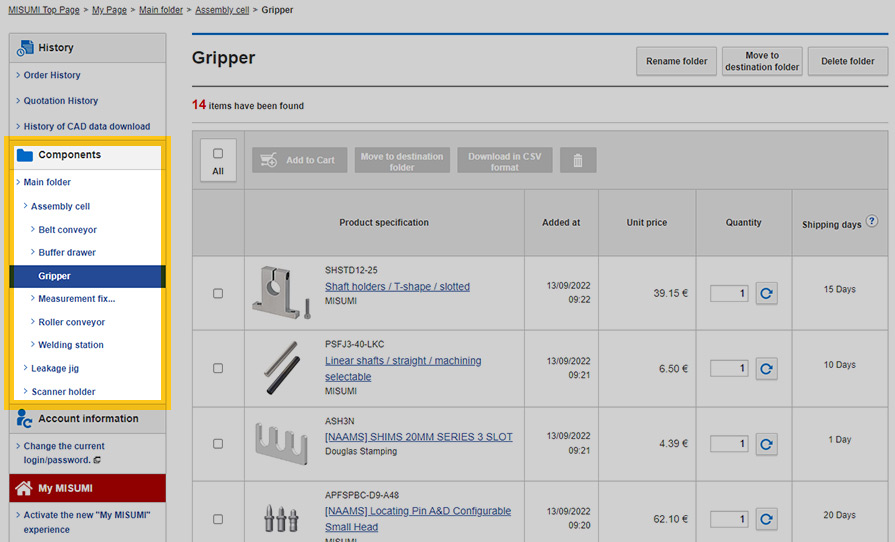
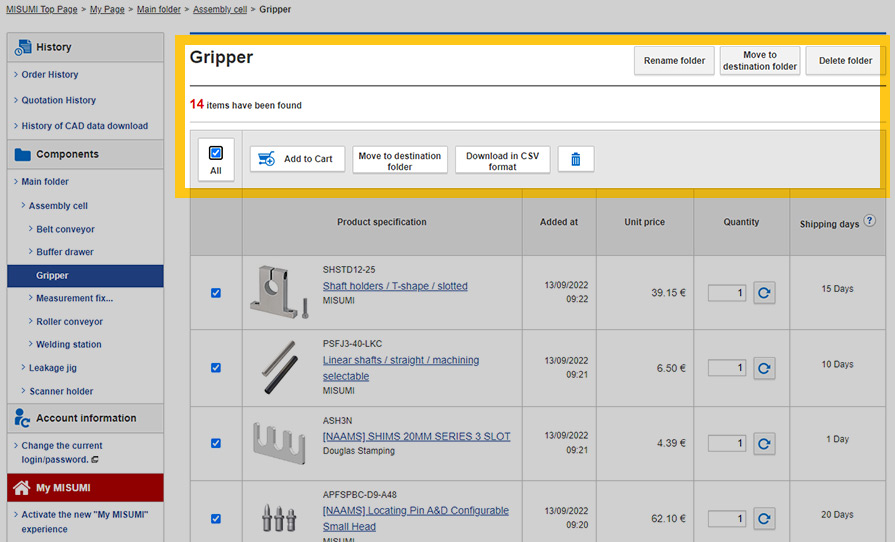
FREE CAD-MODELS IN JUST A FEW CLICKS
Download all of your MISUMI components in all formats

Download all of your MISUMI components in all formats
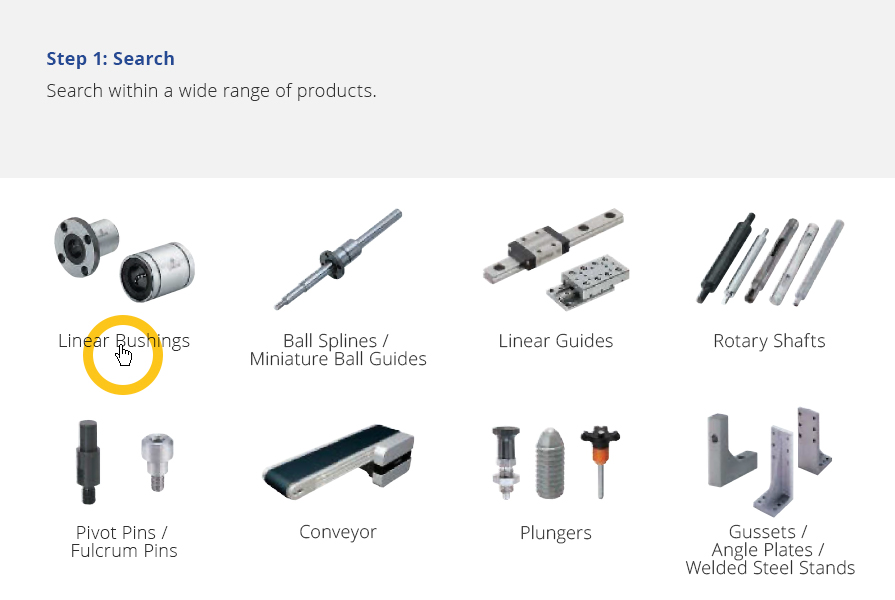
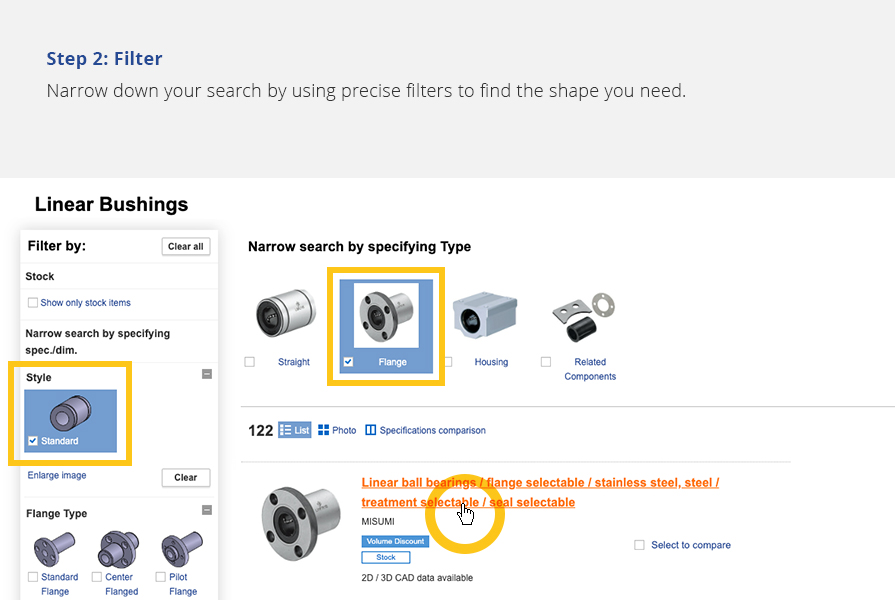
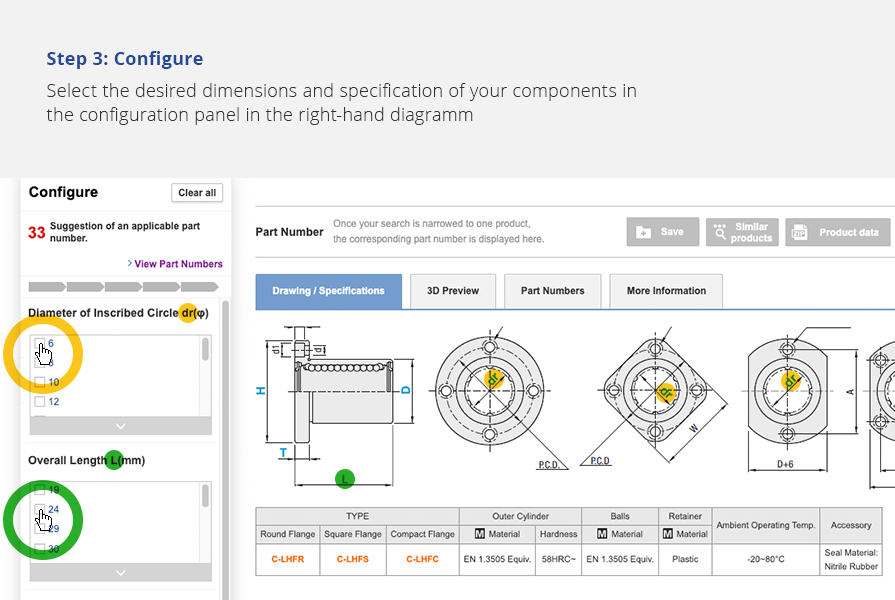

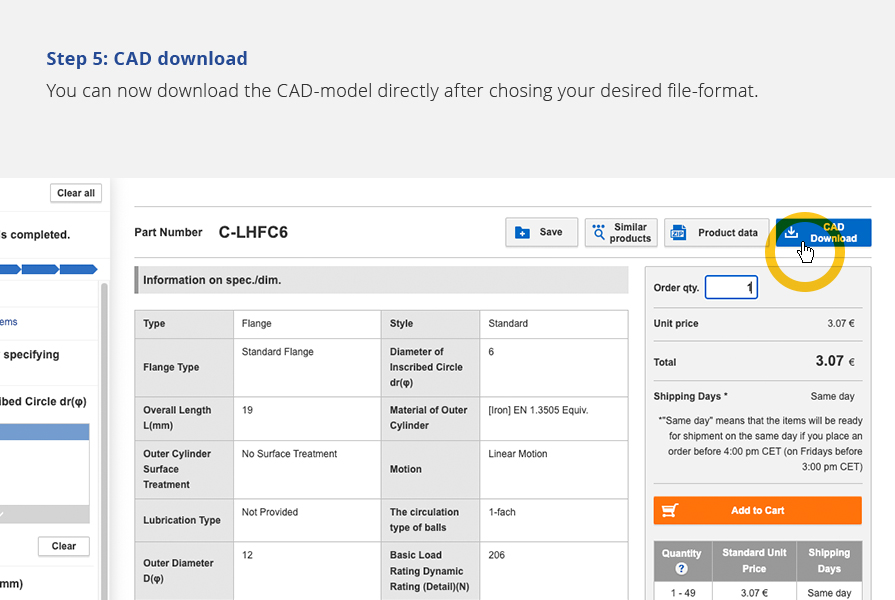

To be able to view data for your configured part, you must have already created a configured purchased part from a drawing part.
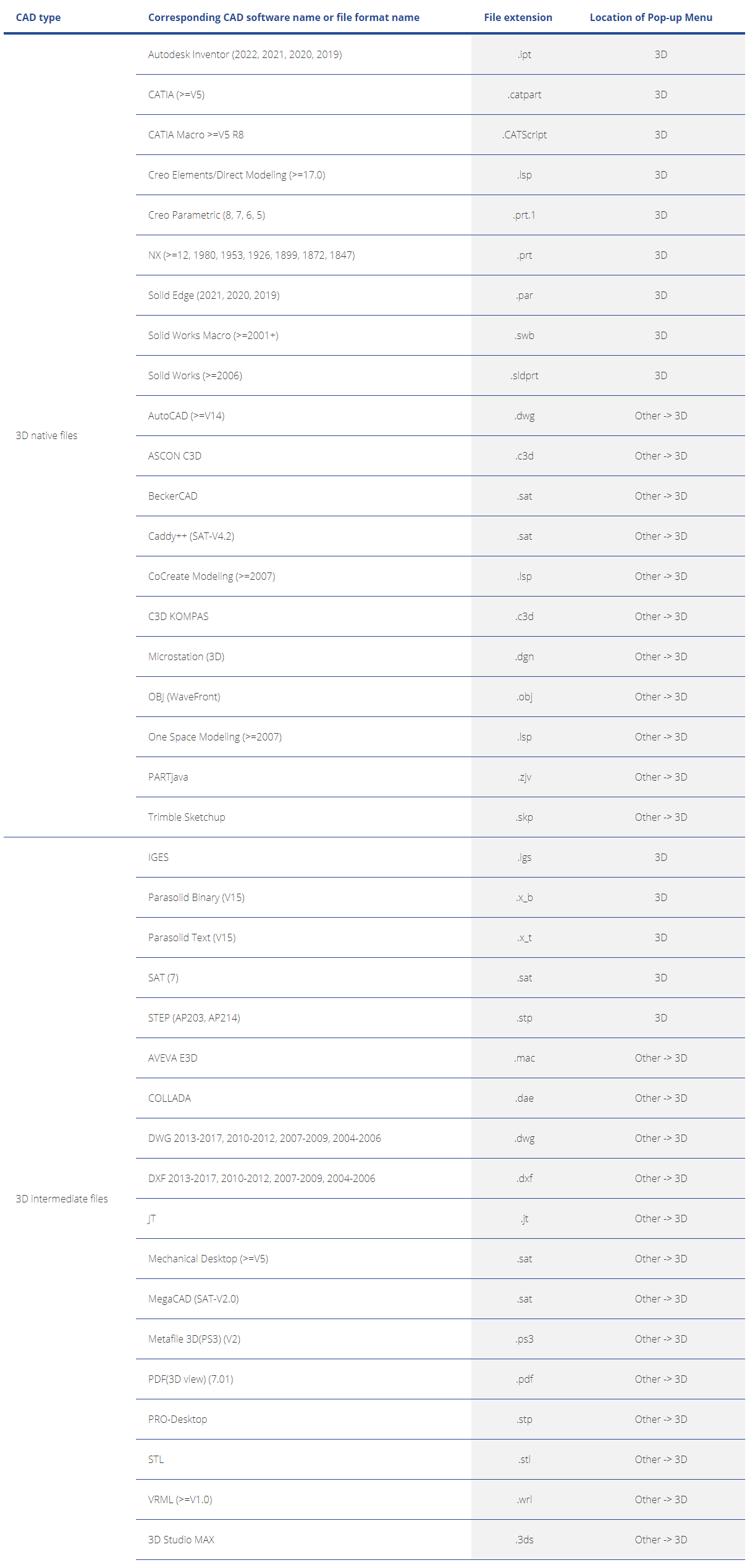
Please log in: Open the product detail page by clicking on the configured part. Click on the "Product data" button to the left of the CAD download button to access the download page. Here you can select the desired file format and download the data for your configured part free of charge. Before downloading, you can select the desired file format for the corresponding CAD model.

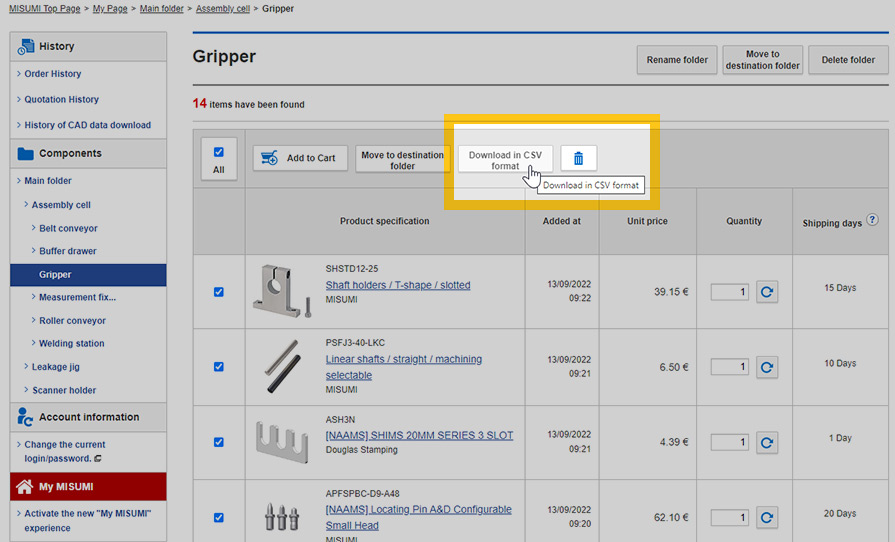
- a CSV file with structured product information for import into your preferred database system
- a readme.txt document explaining the structure of the CSV file
- a file with the CAD data
- a PDF document with a specification table and a 2D representation
Please not that you must first complete the configuration of the product in order to generate a valid part number.
Each purchased part requires documentation. To make it easier for you to find a component in the warehouse or to fill your ERP system with product data, you can now download the product data. So you can benefit immediately from the available product data with your next order.

Order ≥ 1 unit
No minimum quantity surcharges

900+ European and Asian supplier brands available

meviy: Instant quotation & delivery based on your own 3D models

RAPiD Design add-on for SolidWorks